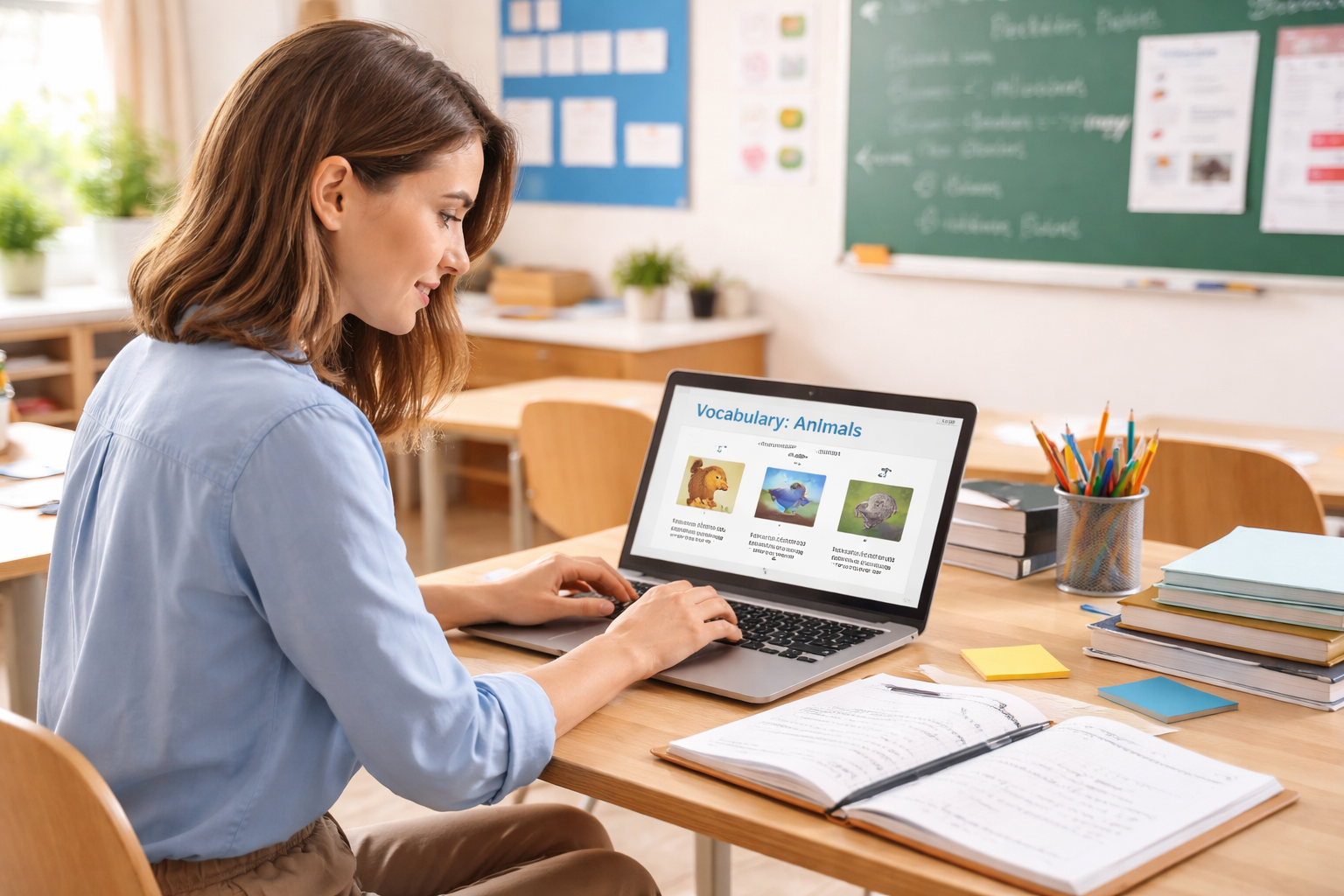
AI-powered lesson preparation for language teachers
Turn a lesson idea into ready-to-use teaching materials with Teacher Assistant. Generate engaging PowerPoint lessons for your students in seconds — from A1 to C2.
Built for language teachers • A1–C2 • PowerPoint
Creating a lesson from scratch means repeatedly searching for ideas, examples, exercises and activities.
Teachers often create similar vocabulary exercises, questions, explanations and activities again and again.
Creating appropriate material for A1, B1 and C1 students requires additional preparation.
Teacher Assistant handles the repetitive work. You stay in control of the lesson.
Tell Teacher Assistant what you want to teach.
"Create a B2 lesson about climate change with vocabulary and discussion questions."
Teacher Assistant creates the lesson materials automatically.
Review, edit and customize the content, then use it in your lesson.
Turn a simple lesson idea into structured teaching materials.
Create content appropriate for A1 · A2 · B1 · B2 · C1 · C2
Generate vocabulary explanations, examples and exercises.
Create grammar explanations and practice activities.
Generate discussion questions, reading texts and comprehension exercises.
Attach a PDF and your slides, edits and games follow its vocabulary and topics.
Quizzes and word games students play on their phones by scanning a QR code — no app needed.
Work directly within the presentation workflow teachers already understand.
Teacher Assistant gives you a starting point. You decide what goes into the classroom.
Reduce repetitive preparation work.
Use AI for the repetitive work while you focus on teaching.
Create materials appropriate for different CEFR levels.
Generated content can be reviewed and customized.
Join language teachers using Teacher Assistant to make lesson preparation faster.
Add to PowerPointFree to install. Works with PowerPoint desktop and web.
Teacher Assistant is an AI-powered PowerPoint add-in that helps language teachers create lesson materials faster. Describe the lesson you want to teach, and it generates ready-to-use slides — vocabulary, grammar, reading, speaking activities and more — directly inside your presentation. It can also base your lesson on your own coursebook and turn it into a game students play on their phones.
Teacher Assistant works with the language you describe in your request. It's most commonly used for English, Spanish, French, German and Italian lessons, and can generate materials in other languages too.
Teacher Assistant generates content for every CEFR level, from A1 (beginner) to C2 (proficient).
Yes. Teacher Assistant is a Microsoft PowerPoint add-in. It runs as a sidebar inside PowerPoint (desktop and web) and inserts generated slides directly into your open presentation, matching your deck's theme and fonts.
No separate account needed. Install Teacher Assistant directly from Microsoft AppSource inside PowerPoint — there's no extra subscription or sign-up to set up first.
Yes. Every generated slide can be reviewed and edited — reword content, swap examples, or ask Teacher Assistant to adjust a single slide — before you insert it into your presentation.
Yes. Attach a PDF — a coursebook unit, a chapter, a whole book or a worksheet, up to 60 MB and 300 pages, scanned or digital — with the paperclip button. Your slides, edits and games then use its vocabulary, examples and topics, for example "make slides on the Unit 3 vocabulary". You can attach one book per chat.
It is used only to generate your materials. Microsoft Azure (in the EU) recognises its text, our AI provider indexes that text, and it is deleted automatically 29 days after upload. Please don't upload documents with personal data about your students. See our Privacy Policy for details.
No. Students scan the QR code on the slide with their phone camera and the game opens in the browser. They don't install anything, don't sign in and aren't asked for any personal data.
No. Teacher Assistant helps teachers with preparation. Teachers remain responsible for reviewing, adapting and delivering the material.
Teacher Assistant is currently free to use. We'll clearly communicate any pricing changes before they take effect.
Stop starting from a blank slide.
Add to PowerPoint See How It Works